Setting up streaming apps with Xfinity StreamSaver

Recently, one of our customers, an 88-year old senior citizen living in Berkeley, CA, struggled with accessing the streaming apps he'd paid for via a Comcast Xfinity offer called StreamSaver.
First, some context: StreamSaver is an Xfinity offering that bundles streaming apps like Netflix, HBO, Apple TV et al and provides discounted monthly rates. For the customer, the benefit is cheaper access than if they subscribed directly to, say, Netflix.
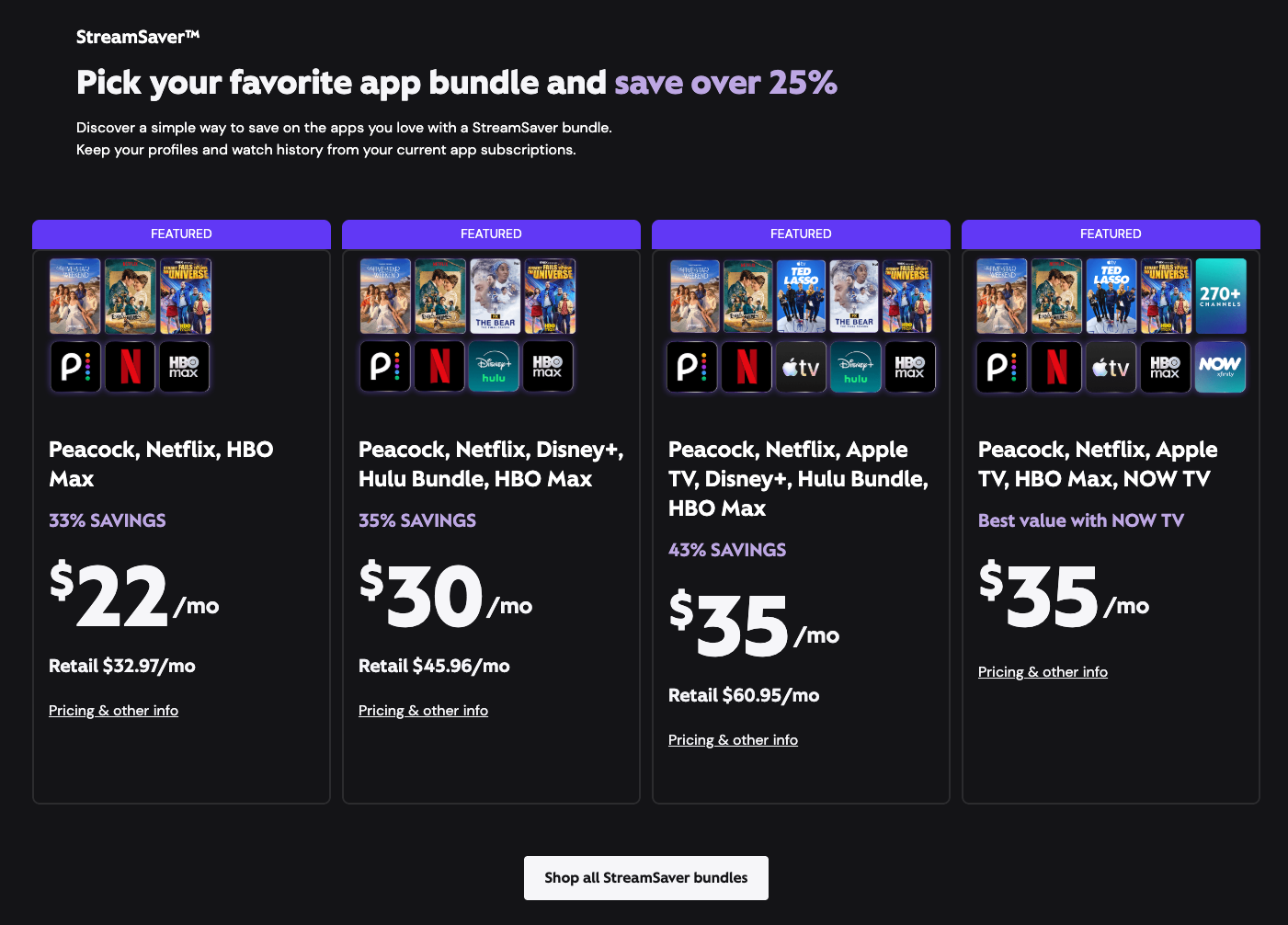
However, the challenge is that getting these streaming apps setup can be complicated for senior citizens. Furthermore, Xfinity customer service is often slow and ill-informed – which is infuriating for everyone!
Important Activation Steps to keep in mind
Log out of old streaming accounts
Before going through the activation process for any streaming app you've bought through StreamSaver, you must log out of any pre-existing account you've created on those streaming services. If you don't do this, when Xfinity communicates with the streaming service on the backend, you risk the connection failing due to conflicts from a prior account.
Use the same email address that Xfinity has
When you go to activate, you must use the SAME EXACT email address that Xfinity has on file. This is because, on the backend, Xfinity is communicating with the individual streaming companies and saying something akin to "Customer with email address sallyjoe@gmail.com bought Netflix via StreamSaver, when sallyjoe@gmail.com logs in, make sure she gets the special pre-paid package."
Ensure accounts are "Active"
If you're having trouble accessing those accounts, you can login to your Xfinity portal and see if Xfinity has a record of you activating each streaming service. If there is an "Active" tag next to the streaming service, then Xfinity has a record of you activating it. If you still can't access the streaming service (e.g., it prompts you to pay or accept a free trial), likely the email address used when you activated wasn't the same one Xfinity has on file.
Using the home WiFi
One additional snag: the streaming services can't be activated remotely by a family member because the activation process must take place over the registered home internet. Presumably, this is something Xfinity enforced to make sure that StreamSaver packages weren't setup being abused and people were paying once, but say, using them at multiple different locations.
In Conclusion
While the overall value proposition of StreamSaver is compelling, the process of correctly activating the accounts can be extremely frustrating. If you've gone through some (or all) of the above steps and it's not working, you can call Xfinity support and request that they re-set all of the connections. This will allow you to start the process a new and, hopefully, get setup correctly on every service!